Let AI tune your settings
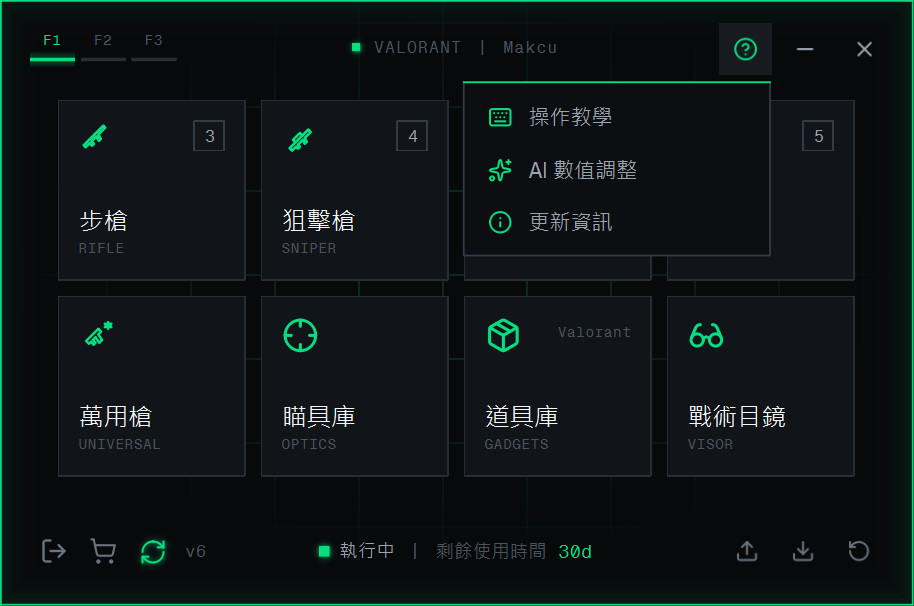
Open it from ? → AI tuning in the AIG5 console, so the AI can read your current settings
#1.Click ? at the top right of the console, choose AI tuning, and describe the problem (for example "the crosshair shakes while locked on")
2.The AI lists the suggested changes (old value → new value) and ends with a block of settings
3.Click the copy button at the top right of that block, switch back to AIG5, and confirm overwriting the current Profile Set
Tip
- After you switch game, switch Profile Set or change settings, open it again from AI tuning
- Your settings are sent to the AI only when you submit, and are not stored