Makcu
Buy the box
 Buy
BuyInstallation
1.Driver installation
 Download driver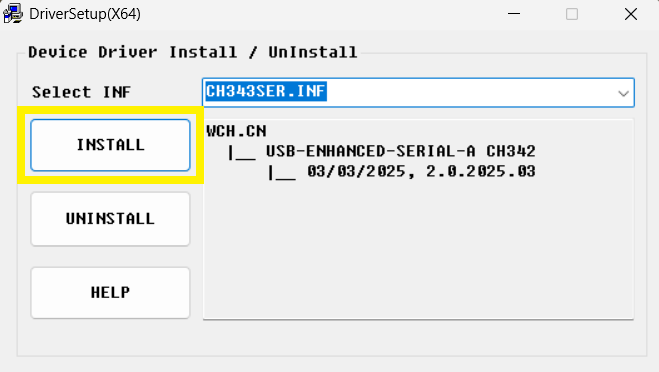
2.Connect the box to PC
Use the left/middle ports with the included USB cable to connect to the PC
The right port connects to the mouse or wireless receiver
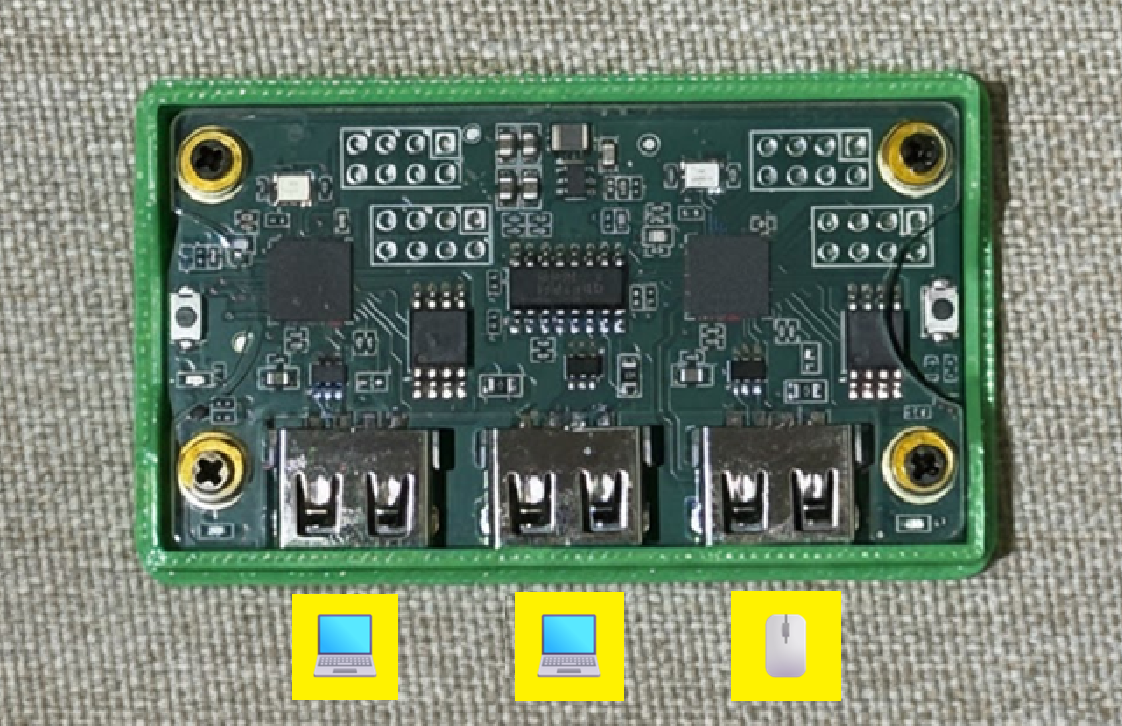
3.Get the COM port
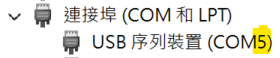
1.Open Device Manager (right click the Windows Start button to find it)
2.Expand Ports (COM & LPT)
3.Find CH343 (COM?) and note the COM number
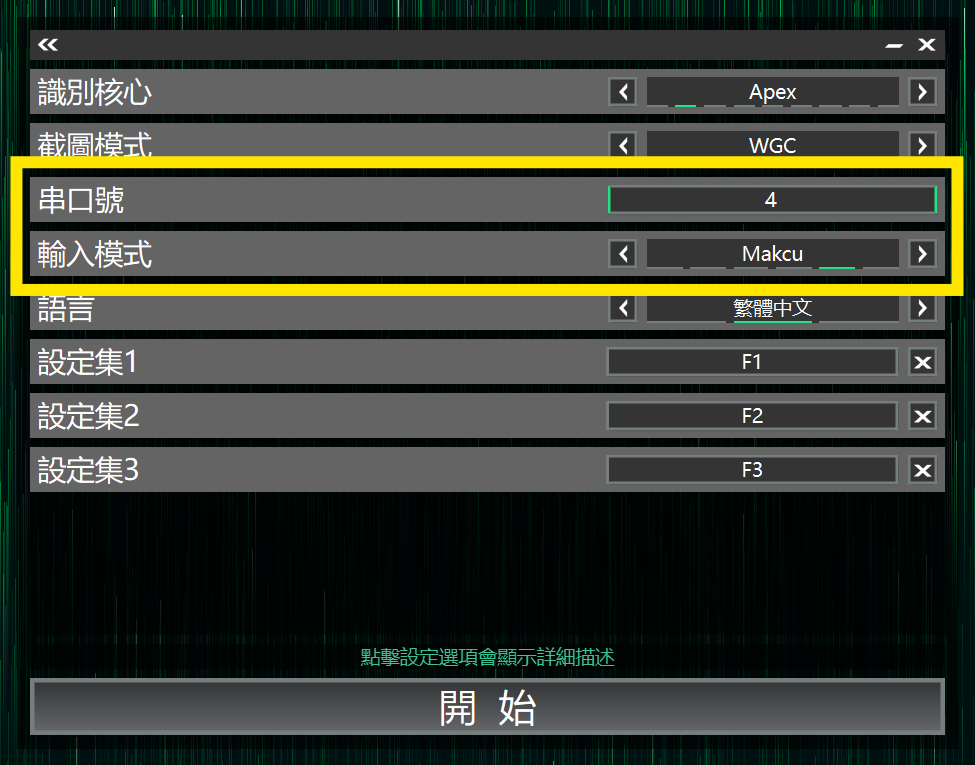
4.Connect the box to AIG Assist
1.Open AIG Assist and log in
2.On the Core Selection page set Input Mode to Makcu
3.Enter the COM port number
4.Click Start button in AIG Assist to connect
FAQ
Does Makcu require a secondary PC?
Makcu supports separating the gaming PC and the secondary PC, but it is not required.
You are all set
- Install AIG Assist
- Optimize the AIG Assist experience
- Connect the box
- Set base sensitivity
- Enjoy