Profile Sets
Edit values
The ½/3 buttons in the top left of the Value Settings page switch the current profile set
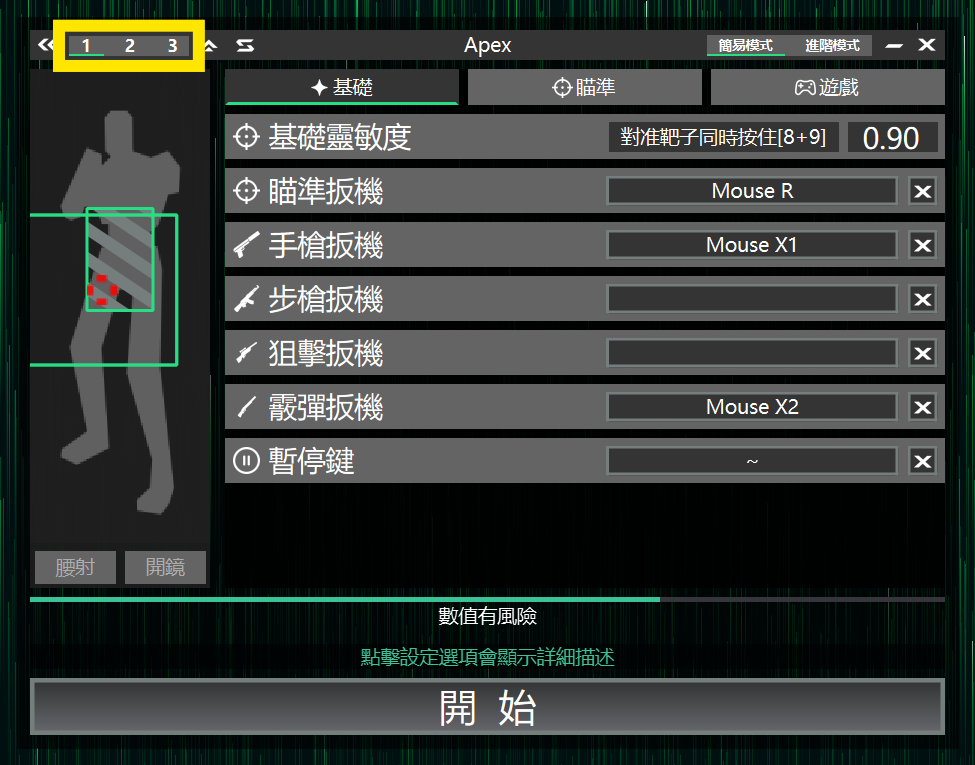
Switch profile sets
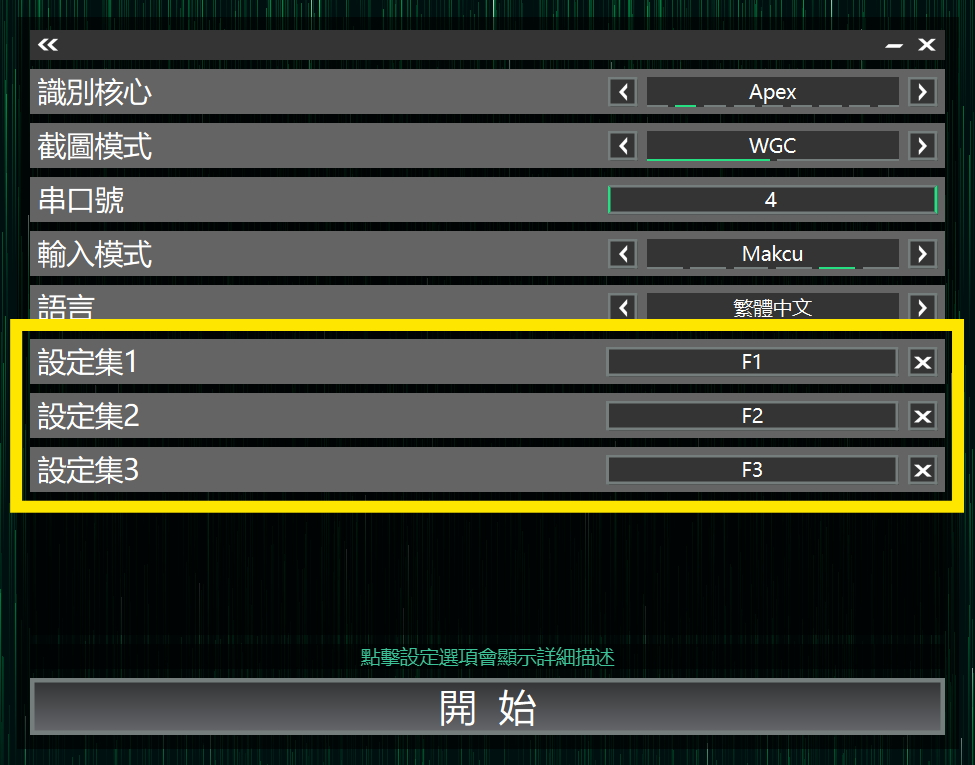
On the Core Selection page you can see the hotkeys for Profile Set [1~3]
Press the hotkey in-game to switch profile sets
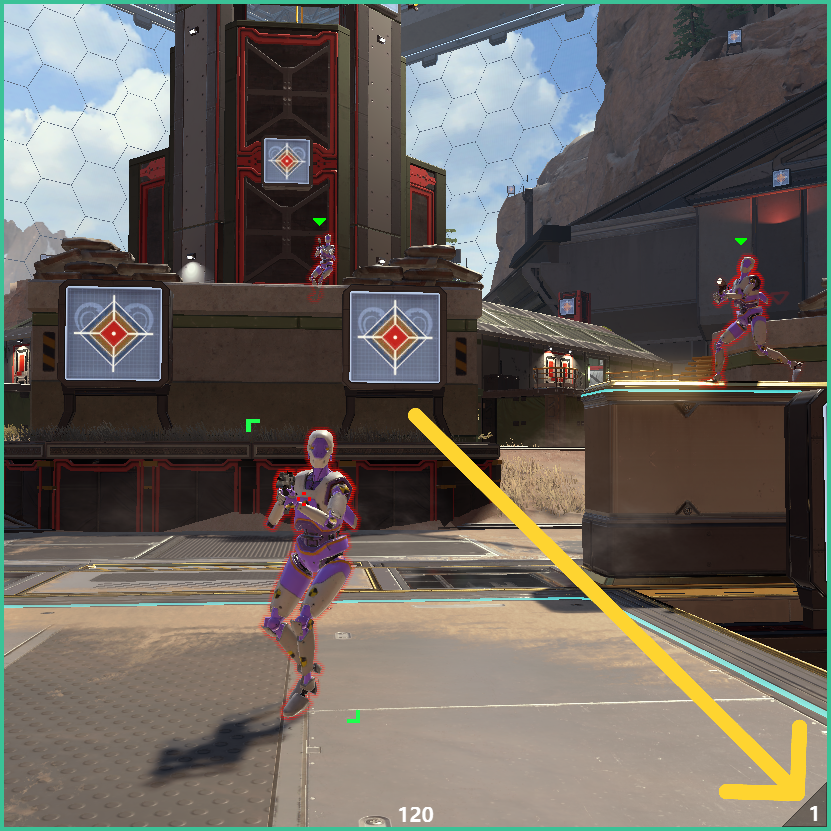
View current profile set
The number at the bottom right of the detection box indicates the current profile set
Share profile sets
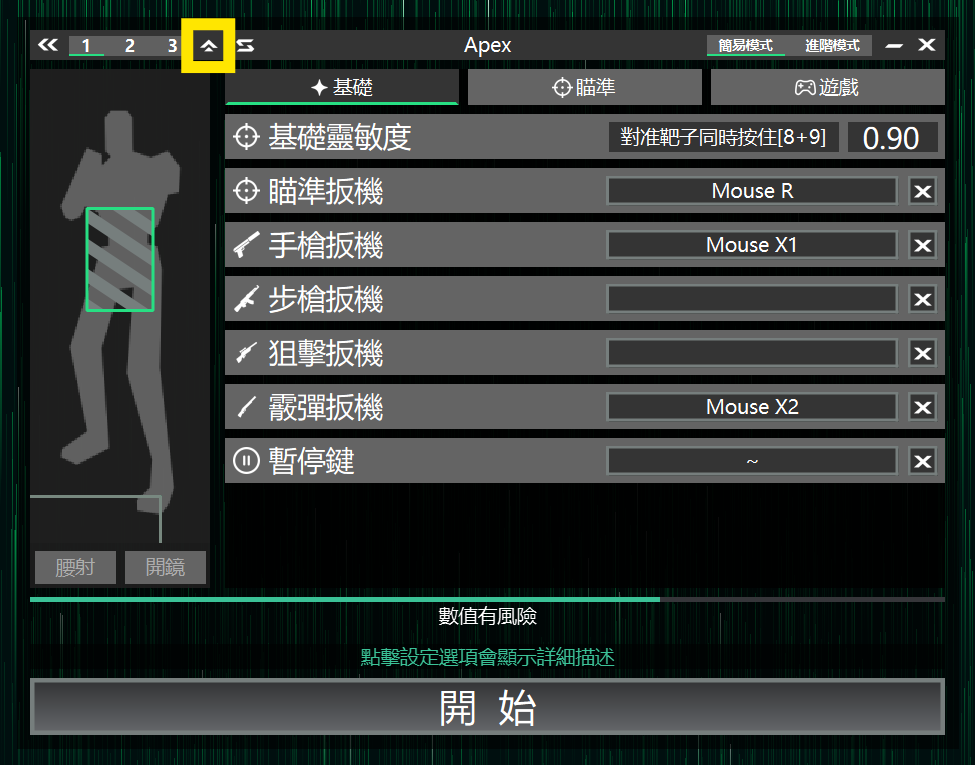
Click the arrow button in the top left of the Value Settings page to copy the current settings to the clipboard
You can share them in the community
Import profile sets
After copying someone else's value settings, return to the AIG Assist window and it will ask whether to import
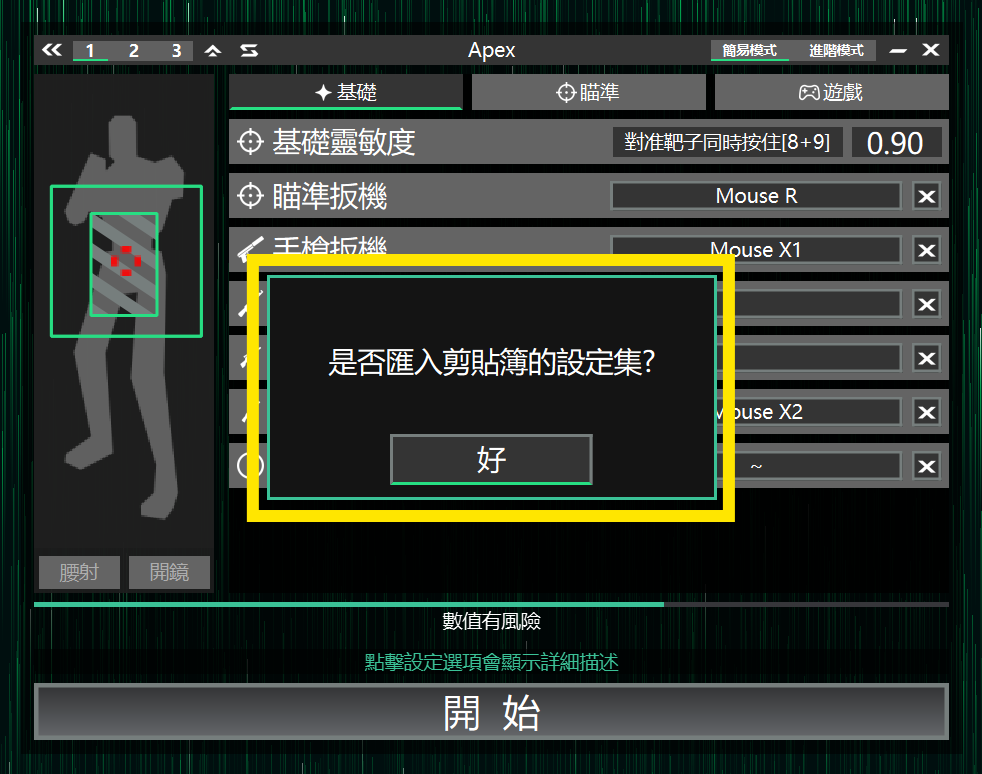
You are all set
Next